Quick answer: what the prefixes mean and why they matter
OBD2 trouble codes use a letter prefix to show which vehicle system is affected: P = Powertrain (engine/transmission), B = Body (airbags, lights, climate), C = Chassis (ABS, steering), U = Network/communication. Within P codes, P0 are standardized across manufacturers, P1 are manufacturer-specific. Knowing the prefix tells you where to look and whether a basic code reader or dealer-level tool is likely required.
How the code structure works and how to read one
Every OBD2 Diagnostic Trouble Code (DTC) follows this pattern: a letter, a digit (0–3) then three more digits (e.g., P0302). Read it like this:
- Letter (P/B/C/U) — system area.
- First digit — 0 = SAE-standard, 1 = manufacturer-specific, 2 = manufacturer-specific, 3 = powertrain on-demand (less common).
- Second digit — subsystem (for P codes: 1 = fuel/air metering, 2 = injector circuit, 3 = ignition, 4 = auxiliary emission controls, 5 = vehicle speed, 6 = computer output, 7/8 = transmission).
- Last two digits — specific fault identifier.
So P0302: P = powertrain, 0 = standardized, 3 = ignition, 02 = cylinder 2 misfire.
What each prefix indicates in practical terms
P codes — Powertrain (engine and transmission)
P codes are the most commonly seen because they cover engine management, emissions and transmission. They split into P0xxx (SAE/OBD-II standard) and P1xxx (manufacturer-specific). P0 codes like P0171 (system too lean) are diagnosable with a generic scanner and DTC lookup. P1 codes may refer to vendor-unique systems or calibrations and sometimes require factory tools or OEM data to interpret correctly.
Practical implication: if your scanner returns a P0 code, you can usually find reliable causes and DIY tests online. If it’s P1, expect either deeper electrical troubleshooting, brand-specific service manuals, or a dealer visit.
B codes — Body (comfort and safety modules)
B codes flag faults in body systems: airbags, power seats, interior lights, HVAC actuators and related modules. Many B codes relate to safety systems (airbag faults) and should be treated seriously. Some B codes are simple—broken bulb circuits, faulty door switches—others (airbag, restraint) require professional repair because of safety and legal considerations.
C codes — Chassis (brakes, steering, suspension)
C codes cover ABS, traction control, steering angle sensors and ride-control modules. ABS wheel-speed sensor issues and yaw-rate sensor faults commonly appear as C codes. Because these systems affect vehicle stability, they typically need correct sensor replacement and calibration; DIY is possible for sensor swaps but ECU recalibration sometimes requires a scanner with special functions.
U codes — Network and communication
U codes are communication faults between modules on the vehicle CAN/LIN networks. They show up when modules can’t talk, messages are corrupted, or wiring problems exist. Symptoms can be odd cross-system behavior (e.g., ABS light plus airbags and instrument cluster errors). U codes often require tracing wiring, checking CAN bus voltage, or reconnecting a module after replacement.
Exceptions, common confusions and important caveats
- One fault can trigger multiple codes: a single wiring short or low voltage can produce P, B and U codes at once. Treat the underlying cause, not only the highest-priority code.
- Pending vs. confirmed codes: some scanners show pending/temporary DTCs. If a problem clears and doesn’t repeat, it might have been an intermittent event—still worth monitoring.
- Manufacturer-specific P1 codes may be vague on generic scanners. When a P1 or many B/C/U codes appear together, use OEM documentation or a dealer-level tool.
- After repairs, clear the codes and perform a drive cycle. Some modules require specific drive conditions to complete readiness tests and verify the fix.
How to decide whether to DIY or get professional help
Start by identifying the prefix and whether the code is standardized (0) or manufacturer-specific (1). Use a quality OBD2 scanner to record codes, freeze-frame data and live PIDs if available.
- Good DIY candidates: P0 codes with clear causes (misfire with misfire counts, oxygen sensor codes, simple sensor replacements) and B codes like burned bulbs or seat switch failures.
- Call a pro when: codes affect airbags (B), multiple communication (U) codes appear, P1 manufacturer codes are present, or repairs need ECU reprogramming/calibration.
Recommended tool when you want to read and act on these codes
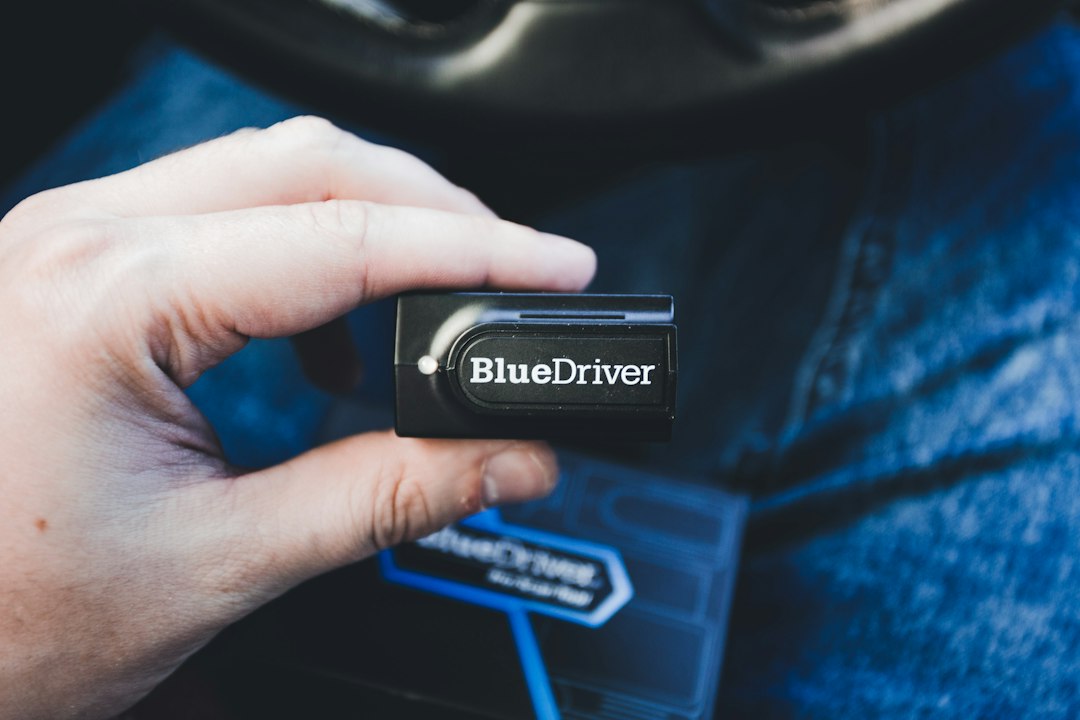
If you plan to diagnose P0 and many B/C/U issues at home, a handheld scanner with live-data and DTC lookup speeds troubleshooting. For most readers, the VDIAGTOOL VD30 Pro (handheld, full OBDII modes) covers standard and many advanced needs.
Quick workflow to follow after reading a code
- Record the full DTC(s) and freeze-frame/live data snapshot.
- Note the prefix (P/B/C/U) and first digit (0 vs. 1) to set expectations.
- Look up standardized P0 definitions; for P1 consult OEM resources.
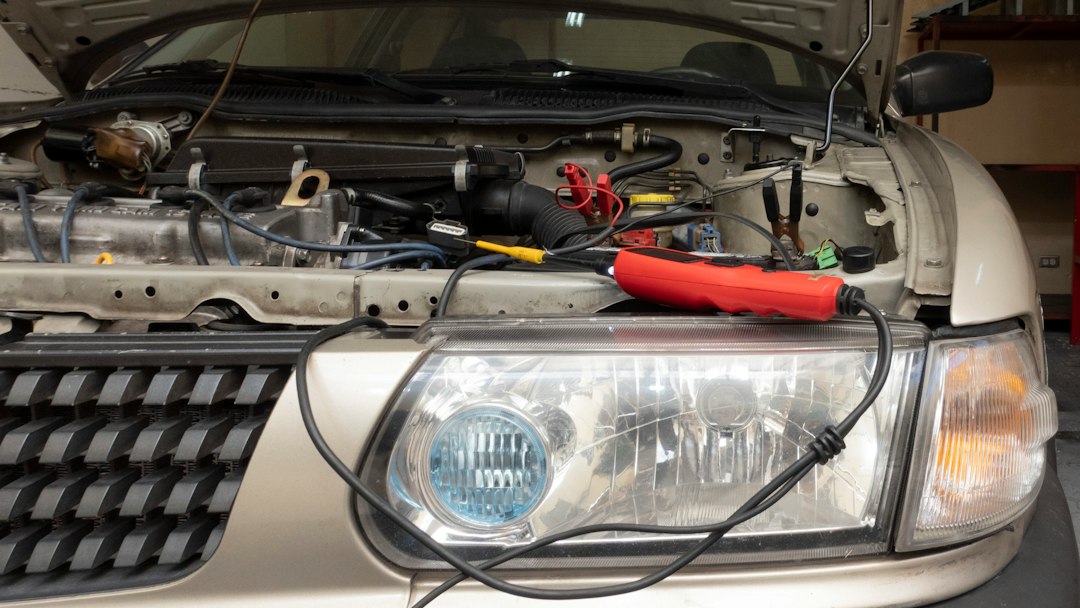
- Perform visual checks: connectors, grounds, vacuum lines and battery voltage.
- Replace/repair the suspected part, clear codes, then drive to confirm readiness.
- Record every DTC and any freeze-frame data before clearing.
- Identify whether the code is standardized (0) or manufacturer-specific (1).
- Check battery and grounds before swapping modules or sensors.
- Prioritize safety-system (airbag/ABS) and U (communication) faults for professional help.
- Clear codes only after repair and complete a drive cycle to verify the fix.
Prefixes (P, B, C, U) are diagnostic shortcuts that point to the affected system and whether the code is generic or vendor-specific. Use that information to choose the right tool and the right fix—simple sensors and P0 codes are often DIY; airbags, network faults and P1 codes usually require specialist tools or a shop.
Is a P1 code always a dealer-only fix?
No. P1 just means manufacturer-specific; some P1 faults are straightforward sensor or wiring problems you can fix, but interpretation and advanced reprogramming sometimes need OEM tools.
Can a U code cause other systems to throw errors?
Yes. A communication fault can prevent modules from sharing data, causing unrelated B or C fault lights to appear; fix the bus or wiring first.
Should I clear codes immediately after a repair?
Clear codes only after repair. Then run a drive cycle to confirm the issue is gone and allow readiness monitors to complete.